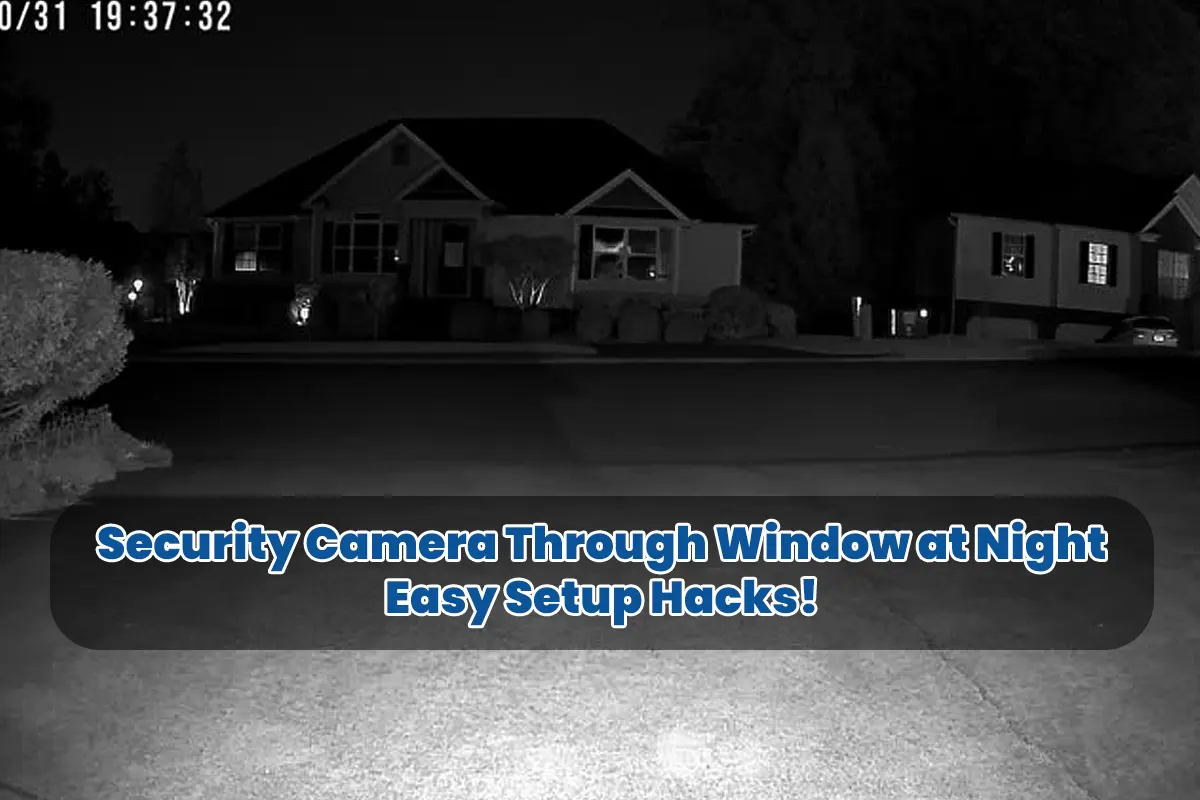
Security Camera Through Window at Night – When I decided to set up a security camera through a window at night, I thought it would be straightforward, but as it turns out, it wasn’t as simple as expected. Since I’m someone who learns through trial and error, I’m here to share my lessons with you so you can skip the frustration.
My Late-Night Wake-Up Call
Since I’m naturally a light sleeper, I woke up one night to a strange noise, and because it was 2 a.m., I immediately checked my security camera feed. However, instead of seeing what was happening, I only saw my own reflection, which was super frustrating. Although I didn’t know the reason at first, I quickly learned that using a security camera through a window at night comes with challenges.
Why Window Reflections Are a Problem
Because I wanted to avoid outdoor installation hassles, I thought placing the camera indoors was a genius move. Yet, after sundown, the window created mirror-like reflections, which ruined the footage. Here’s what I learned:
- Night Vision IR LEDs: Since most cameras rely on infrared at night, the light reflects off the window.
- Double Vision: Because of this reflection, the footage ends up twisted.
Even though these issues annoyed me, I found solutions!
Fix #1: Turn Off Night Vision
When I turned off the night vision setting, everything changed. Since turning it off eliminated the infrared light, I immediately noticed clearer footage.
- No More IR Reflection: Because infrared light was no longer bouncing off the glass, my view improved.
- Using External Light: Since I didn’t want total darkness, I kept my porch light on.
Fix #2: Use Window Film
While browsing for solutions, I found anti-reflective window film, and because it was affordable, I gave it a shot.
- Reduced Glare: Since the film cut down on window reflections, the view became much clearer.
- Improved Clarity: Because of the minimized glare, details became sharper.
Fix #3: Move the Camera Closer
Once I moved the camera as close to the window as possible, things improved dramatically.
- Physical Contact: Because there was little space between the camera and glass, reflections decreased.
- Better Field of View: Since there was less Alteration, I could see more of the outside area.
Lighting is Key
Because lighting plays such a huge role, I experimented with alternative options until I found what worked best.
- Motion-Activated Lights: Since they only turned on when triggered, I didn’t waste energy.
- Smart Bulbs: Because I controlled these with my phone, adjusting brightness was a breeze.
Audio Monitoring
Since video quality can be hit or miss, I relied on sound detection as a backup.
- Built-in Microphones: Because many cameras come with microphones, I could hear what was happening even if the video wasn’t great.
Dealing with Motion Detection
Since glass can interfere with motion sensors, I had to adjust my camera settings for better results.
- Pixel-Based Detection: Since this method tracks changes in the image, it worked better than infrared motion detection.
- Outdoor Motion Sensors: Because external sensors triggered the camera, I didn’t miss any action.
Baca Juga: Farm Security Cameras Without Wifi, Affordable & Effective!
FAQs: Security Camera Through Window at Night
Can I use a security camera through a window at night without losing quality?
Yes, but because window reflections are common, you’ll need to turn off night vision and use external lighting.
Why does my security camera show my reflection at night?
Because most cameras use infrared light at night, the glass reflects it, which creates the reflection.
Do I need special equipment for using a security camera indoors through a window?
No special equipment is necessary, but because anti-reflective window film and external lights help, they’re worth trying.
What lighting works best for nighttime window surveillance?
Since motion-activated lights are energy-efficient and effective, they’re a great choice.
Can sound detection help with window-mounted cameras?
Yes, because built-in microphones can alert you to sounds, even when the video isn’t perfectly clear.